
How to Login to Your Jackpot Fishing Jili Download on the Casino Plus App?
How Do I Login to My Jackpot Fishing Jili Download on the Casino Plus App?
Getting started with Jackpot Fishing Slot (Jili) on Casino Plus is simpler than it sounds. Just make sure you have the latest version of the Casino Plus app, open it, and log in with your account. Head over to the Jili section, tap Jackpot Fishing, and you’re ready to start aiming at high-value fish and chasing jackpots. Double-check that your device is compatible and your connection is steady so nothing interrupts your gameplay.
Step-by-Step Guide to Access Jackpot Fishing (Jili)
Create or Log In to Your Casino Plus Account
If you’re new, download the official Casino Plus app and tap Sign Up. Fill in your details, verify your account with the OTP you get, and set a strong password. Already a member? Just log in with your email or username, and you’re good to go.
Find the Jili Game Section
Once you’re logged in, tap the Games menu. Scroll through the list and select Jili. Jackpot Fishing will be there waiting for you—tap it and get ready to dive in!
Download and Launch Jackpot Fishing
The game will either run directly in the app or download a small file. Make sure your device has enough storage and a stable connection. Once it’s ready, pick your bet and get ready to target special fish and high-value targets.
Adjust Bets and Start Playing
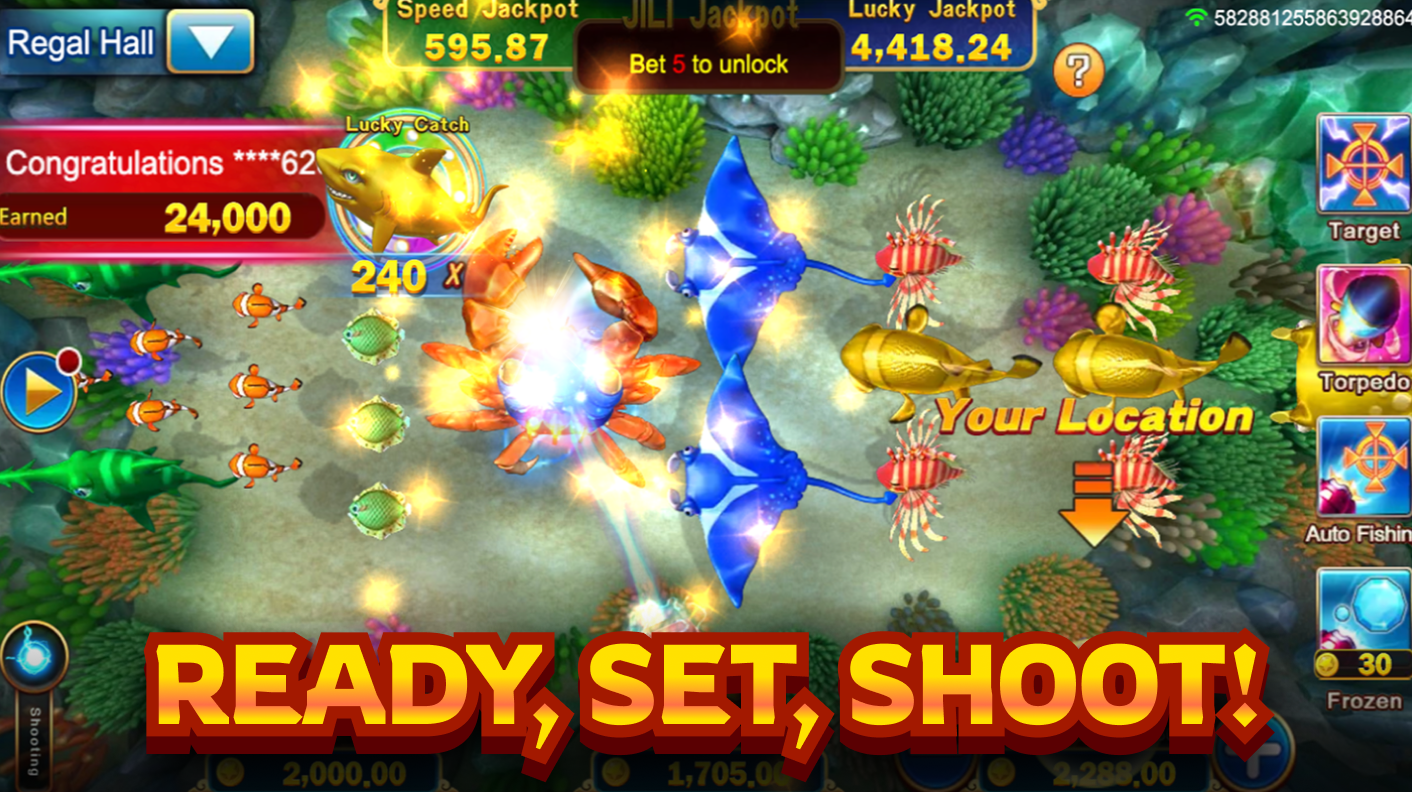
Set your bet, aim your turret, and start shooting! Keep an eye out for special fish and jackpot creatures—they make the game more exciting and can increase your rewards. Remember to plan your shots, stay alert, and most importantly, have fun!
Troubleshooting Common Login and Download Issues
Game Won’t Load
- Close and reopen the app or clear the cache.
- Update your device’s operating system if needed.
- Check your internet connection to make sure it’s stable.
Incorrect Username or Password
- Use the Forgot Password option to reset your login details.
- Double-check that you’re entering the email or username linked to your account.
Download Fails or Freezes
- Free up some space on your device.
- Try downloading again with a stable connection.
- Restart your device and the app before trying again.
Why Play Jackpot Fishing (Jili) on Casino Plus?
- It’s fully licensed and regulated, so you can play safely.
- The app runs smoothly and has colorful, engaging graphics.
- Special fish, effects, and jackpots make every round exciting.
- Friendly support is available if you have any login or game questions.
Tip: always play responsibly. Set limits for your bets and enjoy the game for fun, not just for potential winnings. You can also play other exciting slots like the Lucky Neko game in Casino Plus today!
FAQ
Q: Do I need a separate account for Jackpot Fishing on Jili? A: Nope! Your Casino Plus account gives you access to all Jili games, including Jackpot Fishing.
Q: Can I play Jackpot Fishing for free? A: Yes! Demo modes may be available. But if you want real-money play, you’ll need a Casino Plus account.
Q: What should I do if Jackpot Fishing crashes? A: Check that your device has enough storage, update the app, and ensure a stable internet connection. Restarting usually fixes minor issues.
Q: Can I use special weapons on all fish? A: No, special weapons like Torpedoes work only on higher-value fish (6x odds or more).
Q: Is Casino Plus safe? A: Absolutely! Casino Plus is fully regulated and built for safe, reliable gameplay.
Ready to Play Jackpot Fishing on Casino Plus?
Now’s the perfect time to dive in and explore the underwater world of Jackpot Fishing (Jili)! Track special fish, aim carefully, and enjoy the thrill of chasing jackpots. Download the Casino Plus Ph app, log in, and start playing responsibly—your next big win could be just a shot away!
Keywords
Jackpot Fishing Jili Download